Inventory System: Designed for Speed and Clarity.
A streamlined inventory system that transforms complex data into clear, intuitive tools for everyday restaurant use.

Overview
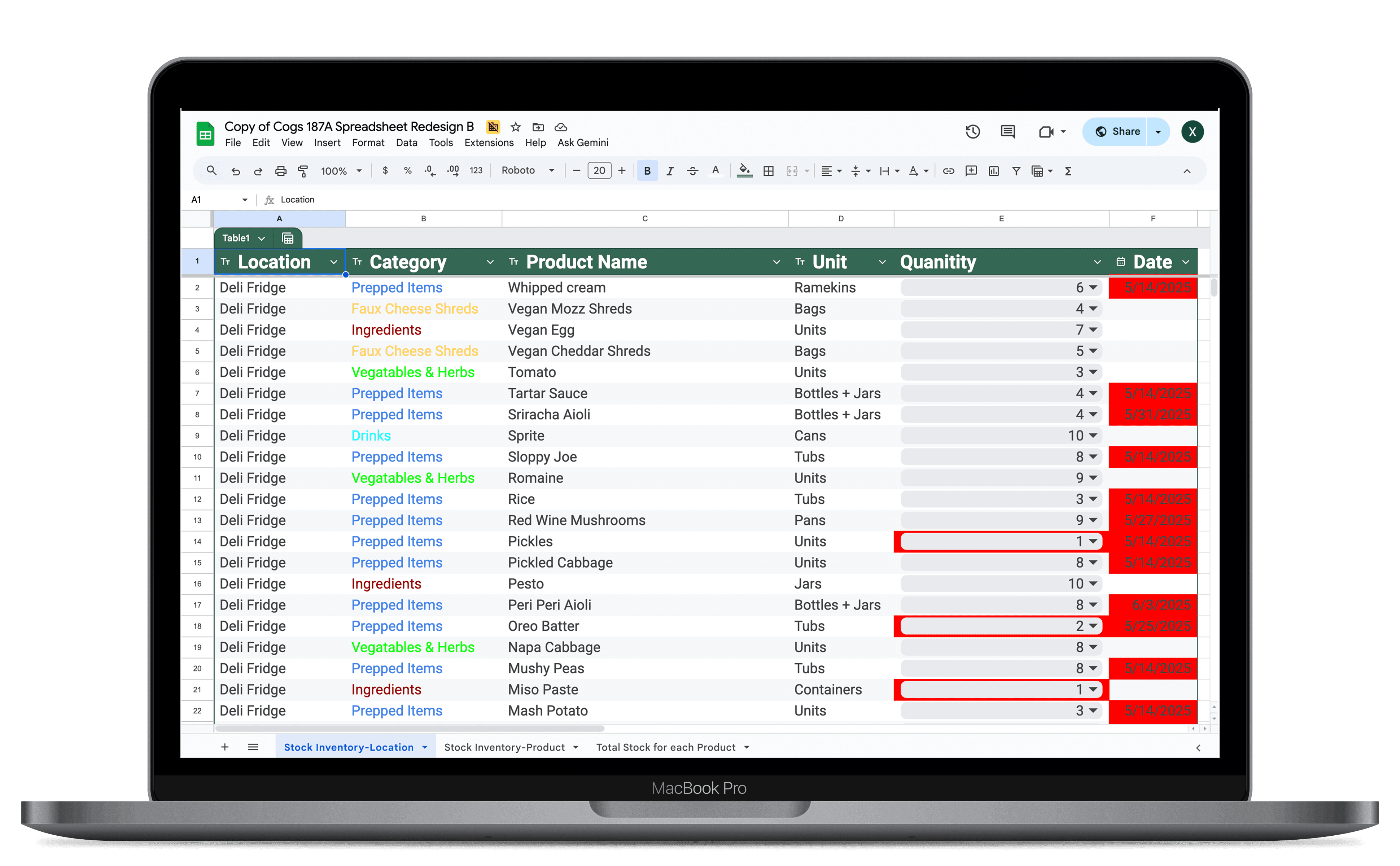
We designed a complete inventory system from the ground up — starting with a structured spreadsheet that defines how items, locations, and stock levels connect. Building on that foundation, we created a mobile app that fits seamlessly into a fast-food workflow, helping staff update, locate, and restock ingredients in seconds.
By combining clear data logic with an intuitive interface, the system makes inventory management faster, smarter, and more reliable in everyday restaurant operations.
Research
Problem Statement
User Needs & Workflow Context
Data Structure Design
system logic
App Structure
Information Architecture
Color-Coding Logic
Interaction Flow Mapping
design
low-fidelity
Layout Decisions
high-fidelity
User Testing & Iterations
evaluation
Redesign Outcomes
Future Directions
reflection
Research
Problem Statement
We were tasked with designing an inventory app for a fast-food restaurant, where employees need to manage stock efficiently across multiple storage areas. The challenge wasn’t just about functionality—it was about making the system fast, clean, and easy to use, even as it handled a large amount of data. We needed to design for quick updates, accurate item tracking, and smooth navigation in a mobile-friendly layout.
Research
User Needs & Workflow Context
Inputting User
Simple, error-proof input methods
Large tap targets (tablet-friendly)
Minimal typing or scrolling
Sorted product buy storage area
Quantities are selected using dropdown lists or + / – steppers, not typed in cells
Conditional formatting colors show low (red), medium (yellow), and high (green) stock
Quantity-Reading User
Access to quantities across all locations
Easy identification of low stock and expiry risks
Formulas like
SUMIFSintegrate totals for items stored in multiple locationsA “Needs to Buy” column calculates
`Max(idealQty - totalQty,0)`Conditional formatting highlights critical items and expiring dates
Research
Data Structure Design (Spreadsheet Foundation)
“ Make the data unambiguous, actionable, and ready to map directly into the app’s modules (Product, Location, Stock, History)”
System Logic
App Structure
Displays all items grouped by location; supports direct stock adjustment (+ / –).
Product
Location
Stock
History
The same relationships that structured the spreadsheet now define the navigation hierarchy, ensuring that data, logic, and design remain tightly integrated.
System Logic
Information Architecture
We mapped the app’s information flow to reflect real-world restaurant workflows — fast-paced, location-based, and detail-heavy.
Primary Flow
Start
Select
Adjust
Confirm
Check
Information Hierarchy
Top-level Navigation
Secondary Actions
Feedback Layers
Cross-linking
design
High-Fidelity
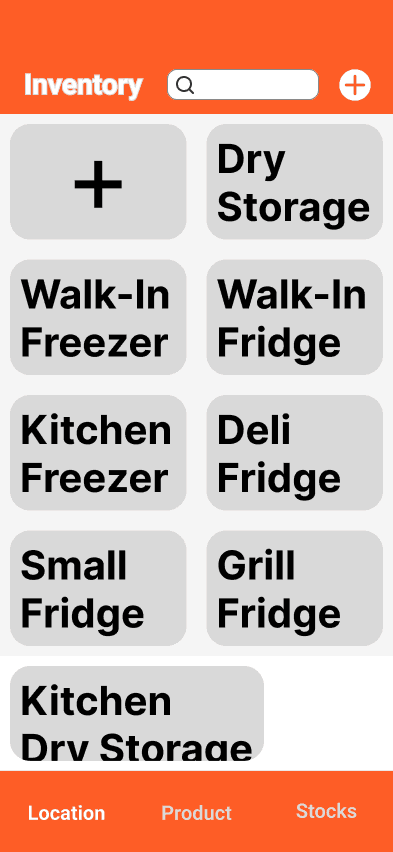
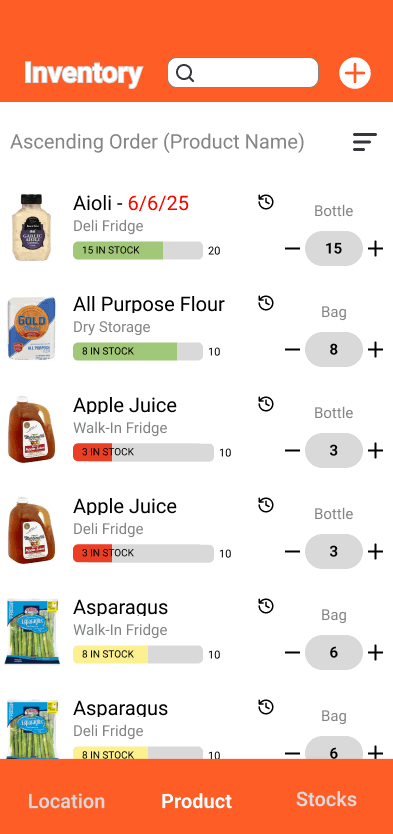
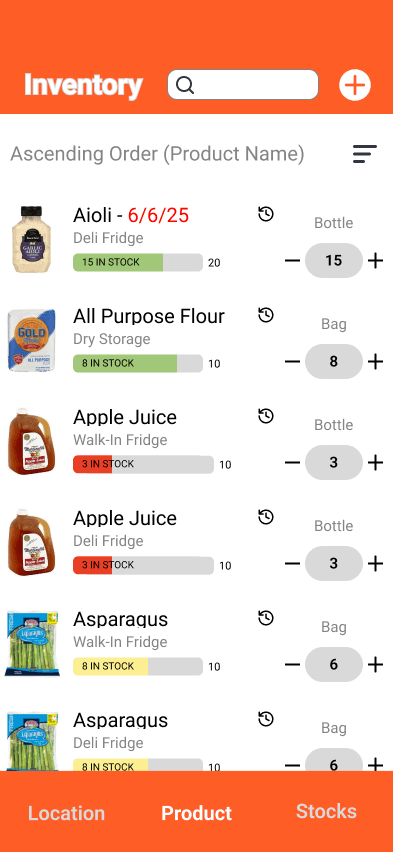
We moved directly into high-fidelity prototyping to visualize the full inventory workflow—spanning product lists, location views, stock levels, and update history. The initial design established the system’s structure, visual hierarchy, and core interactions such as quantity adjustments, item editing, and location-based filtering.